To 10 Screen Record How Windows
A Way To Seize Movies In Windows 10 Pcmag
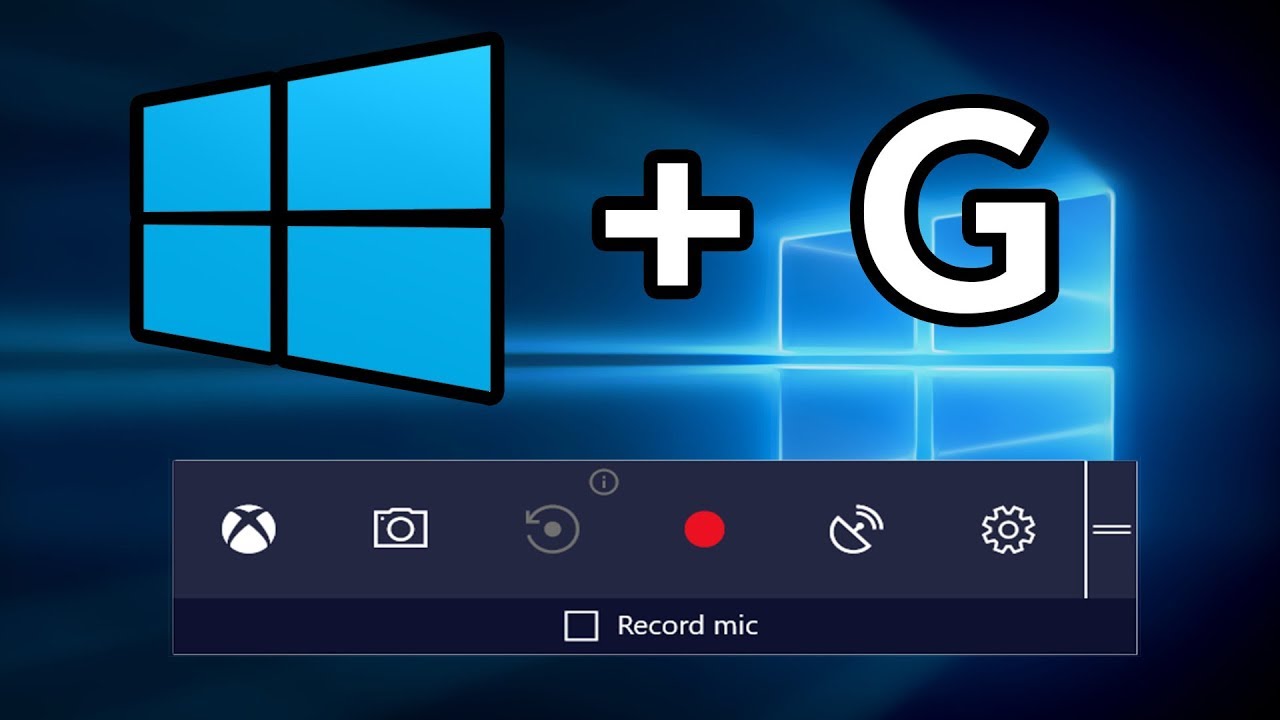
The video recording device is a part of the xbox app that comes mounted by means of default in windows 10. xbox recreation bar lately acquired a few main updates to make it more useful, so that you can now take. Windows10 has a mystery, built-in tool meant to assist document your display screen at some stage in xbox gaming sessions. but sport bar can also be used to 10 screen record how windows with non-gaming apps. Windows’ very own built-in display screen recording characteristic, sport bar, is a brief and easy way to file the content material on your show. to begin recording, click at the ‘start recording’ button or hold down [windows]+ [alt]+ [r]. you may click on ‘prevent recording’ or use same keyboard shortcut whilst you’re done.
How To Document Your Display Screen On Windows 10 Fonepaw
Pick what you want to report. to record the complete screen, pick full screen from the ″record″ drop-down menu. pick out window if you simply need to file use of a unmarried app. select region if you’d like to pick out a place of the display to file. to record your webcam, test the container at the lowest of the window that asserts ″file webcam. ″. Approach 1: file display with the free built-in home windows 10 display screen recorder. you would possibly were using home windows 10 for quite a long term but haven’t recognized there’s a hidden feature that windows 10 comes with a display screen recording characteristic. you may spark off it by means of urgent win + g. this characteristic is built into xbox. Press the "windows + g" key to open the "recreation bar" and the gamebar will seem on the display screen with numerous tools like capture, audio, and overall performance. step 3 now, click on the "start recording" button. (as an alternative, the person can also begin the recording through pressing the "home windows + alt + r" key). To record display screen, you want a display screen recorder, or display screen recording software, or screen capture software simply unique names for the equal device for taking screencasts, likely with video editing features. allow’s test out the eight pleasant loose and paid display screen recorders for home windows 10 and discover the only that suits your needs!.
Windows10screenrecorder Youtube
Did you know that windows 10 comes with it's very own screen recording software, which you could use to report your computer display pastime and gameplay. first of all, it is essential to mention that the. Although home windows 10 doesn't include an app designed especially to report or capture your display, the xbox game bar app capabilities an choice to capture gameplay, which also works to file apps. The display recording device is especially designed for gamers who want to report their gameplay movies. so, in this newsletter, we are going to share a running approach that could assist you to record windows 10 displays without problems. so, allow’s take a look at out the way to report display screen in home windows 10 without the usage of any software.
Windows10 has a mystery display recording tool that may be used to seize on-display to 10 screen record how windows screen interest as a video use the snipping device, or flip to one of the limitless display screen capture gear available.
Even though windows 10 does not include an app designed specifically to document or capture your display, the xbox recreation bar app functions an choice to capture gameplay, which additionally works to record apps. Click on the document complete display or report selected component button followed by using to 10 screen record how windows the file button placed at the proper. step 7: when completed, navigate to the menu bar and click the stop recording. To start recording, click on the begin recording button (the circle with the black dot). rather, you could press windows key + alt + r. you'll now see a small recording icon inside the pinnacle right hand of your display screen. at any point you may click on the stop button to stop recording, or you may press home windows key + alt + r once more to stop it.
A Way To Report Display On Home Windows 10 No Third Celebration App

Open the game bar and click on the settings icon. scroll down the settings screen and test the field to "report in the heritage whilst i'm gambling a recreation. " now you will by no means leave out the final 30 seconds. To file the complete screen, pick full display from the ″file″ drop-down menu. choose window if you simply want to report use of a unmarried app. choose vicinity if you’d want to pick out a place of the screen to document. To take a screenshot of best one window click at the identify bar of the window which you want to seize. press “alt + prtscn”. a screenshot of your currently active window can be copied to the clipboard, simply as in the closing phase. Quick recording with home windows 10 game bar. the usage of the home windows 10 sport bar may be a very brief and convenient alternative for recording your display on home windows 10. to get began, clearly press the windows key + g key.
Fonepaw display recorder is a display and audio recorder that could report your display and voice on home windows 10/eight/7 in excessive first-class. it's far used by many gamers and youtube video creators to file screen with audio and webcam. If you selected window or complete-display, it will just capture the snip without delay. method three: use keyboard shortcuts with recreation bar in windows 10 windows 10 ships with game dvr capabilities to file gameplay pictures and take screenshots of windows pc video games.
File display screen in windows 10 step 1: first of all, press “windows + g” and on the dialog box that appears, click on on “yes, this is a sport“. step 2: by means of doing so, microsoft game bar might be displayed on the screen so as to document the display screen and additionally take screenshots. step three: click on on “capture” to start recording your work on the screen. to finish recording the display screen, once more click on on. Method 1: windows integrated display recorder (thru the xbox app) windows 10 has a integrated display screen recorder you could use without installing whatever greater. but, it’s handiest available when you have a photographs card with intel brief sync h. 260 (2011 fashions or later), nvidia nvenc (2012 models or later), or amd vce (2012 models or later except. Step 1. first of all for your windows 10, click on start after which type “ xbox app ” after which honestly open the xbox app. document display screen in home windows 10. step 2. now in the to 10 screen record how windows xbox app, you need to press a keys combination of your keyboard this is “ win+g ” this could be done on the display that you need to report.
1. the way to report your display with the built-in characteristic on home windows 10 (windows game bar) one of the incredible functions of microsoft home windows 10 is that it capabilities many programs already blanketed with the running machine. the coolest news is that home windows 10 has its very own built-in screen recorder so you can file video games (or something else). There may be a form of hidden function in the windows 10 which lets you video capture the display with the aid of just a few clicks. to document display screen on home windows 10, do as follows: 1. open the app/application or the window/view you need to file the display screen (video capture) 2. press the home windows key and g each on the same.
4 clean methods to file your display in windows 10.

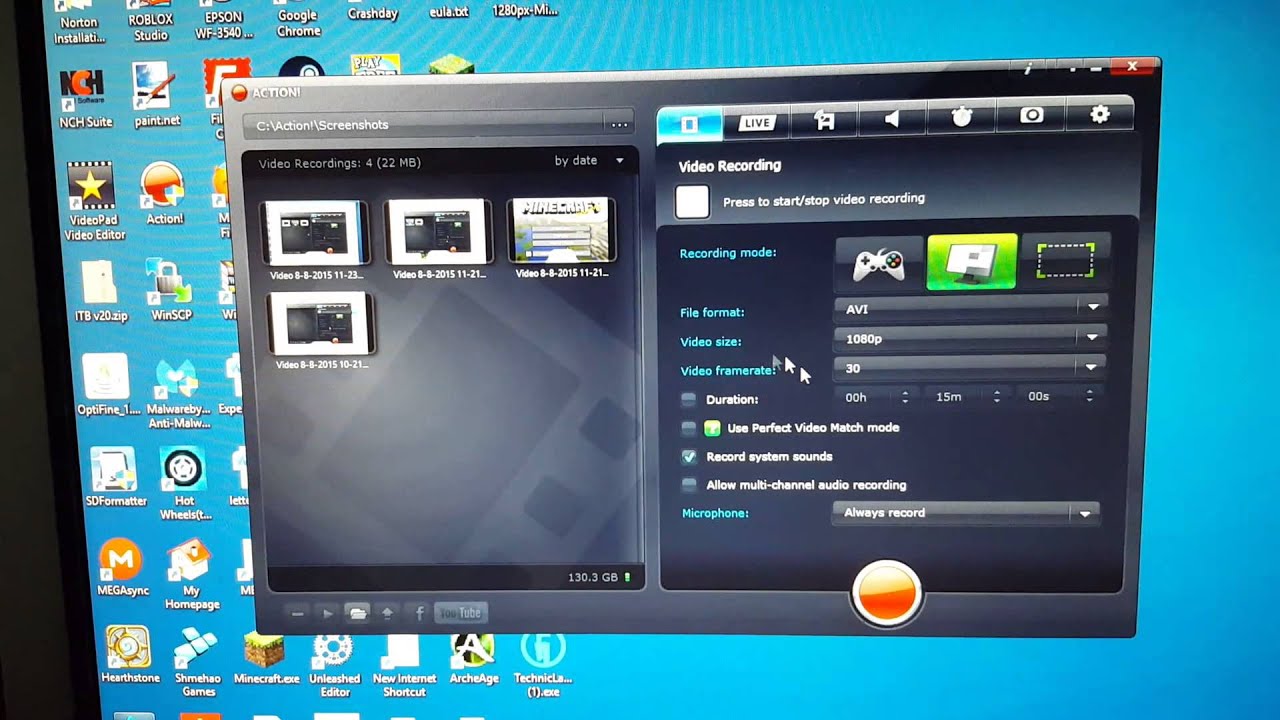
To installation a display seize, select assets > + > window seize > create new. inside the drop down listing that appears, pick the window you want to record. this should area your window within the ‘preview’ panel. if it appears the manner you want it to, click on transition in the middle of the display screen. Efficient ways to file home windows 10 display screen 1 apowerrec (advocated) this is a to 10 screen record how windows expert display screen recording utility that runs properly with any home windows 10 gadgets. in recording your screen with this device, there are numerous recording modes to pick out from. either you seize in complete display, or just pick a sure component to document.
Using the home windows 10 game bar to screen document windows pastime is a smarter choice, to get commenced you could go to the begin menu search field and sort “sport bar” to discover the xbox sport bar or, you can be quicker by the usage of the shortcut keys windows key+g simultaneously. as you press, the game bar app appears. The screen recorder is constructed into the game bar and you may nicely now not have visible it. in case you've ever questioned how to make video of what you're doing in home windows, that is exactly the software you want. See extra films for a way to report display windows 10.


Komentar
Posting Komentar